Flying With Electronics: Laptops, Cameras, Drones and Chargers
Flying with a laptop, camera, drone or tablet: carry-on vs checked, which devices come out at security, battery rules, gate-check traps and how to pack tech.
Tech is the heaviest, most expensive and most stressful part of most carry-ons. A laptop, a phone, maybe a tablet or a camera, an e-reader, earbuds, a power bank and a tangle of cables. Then you get to security and it all has to come out. Or does it?
People ask about this all the time. In r/tsa it's "is there a limit on electronics?" and "can I fly with this weird homemade device?". In r/onebag it's "will my laptop get crushed?" and "how do you deal with five devices and one outlet?". And every so often someone posts that their laptop got dropped at the checkpoint.
Here's what actually matters, from the rules and from people who fly with a lot of gear.
Short version: Keep every electronic device in your carry-on, not your checked bag. Spare batteries and power banks are carry-on only by law; laptops, cameras and drones aren't banned from checked bags, but that's where they get broken or go missing. In standard US security lanes, anything bigger than a phone comes out into its own bin (not with TSA PreCheck, and not at airports with the newer CT scanners). There's no limit on how many devices you bring. If your carry-on gets gate-checked, pull out the power banks, spare batteries and laptop first.
Carry-on or checked: the one rule that's actually law
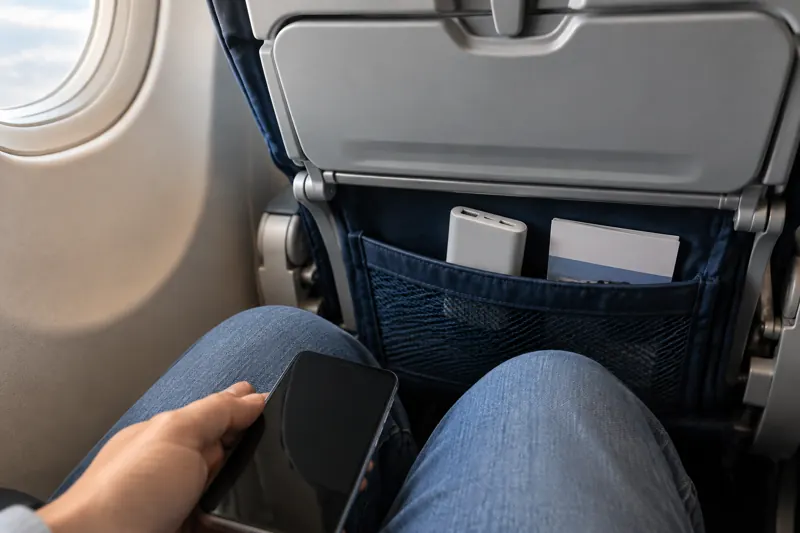
The only hard rule is about spare lithium batteries. Power banks, spare camera batteries, spare drone batteries and phone battery cases have to travel in the cabin, never in checked bags. That's the same everywhere in the world. The power bank guide has the details on watt-hours and the new 2026 limits.
Devices with the battery inside (laptop, tablet, camera, console, drone) are different. The FAA allows them in checked bags if they're fully switched off and protected from being turned on. But it recommends you keep them in the cabin, and so does pretty much everyone who has ever opened a suitcase to find a cracked screen.
Reasons to keep them with you:
- Damage. Checked bags get thrown, stacked and dropped. A commenter in one r/tsa thread put it bluntly: if you want to check something fragile, be willing to hold it over your head and drop it first.
- Theft. Laptops and cameras are the first thing that disappears from a checked bag.
- Liability. Many airlines' terms limit or exclude what they'll pay for electronics packed in checked bags. Read the fine print before you count on a claim.
- Fire. If a battery overheats in the cabin, crew can deal with it. In the hold, nobody sees it.
The only real reason to check a device is size. A big monitor, a desktop tower or a professional lighting kit may simply not fit. In that case, pack it in a hard case with foam, take out every removable battery and carry those, and think about shipping it instead. One r/tsa commenter whose company tests medical equipment said they gave up flying with their gear altogether and ship it, after several were wrecked in transit.
At security: what comes out of the bag
This is where most of the confusion is, because the rule depends on the lane and the airport.
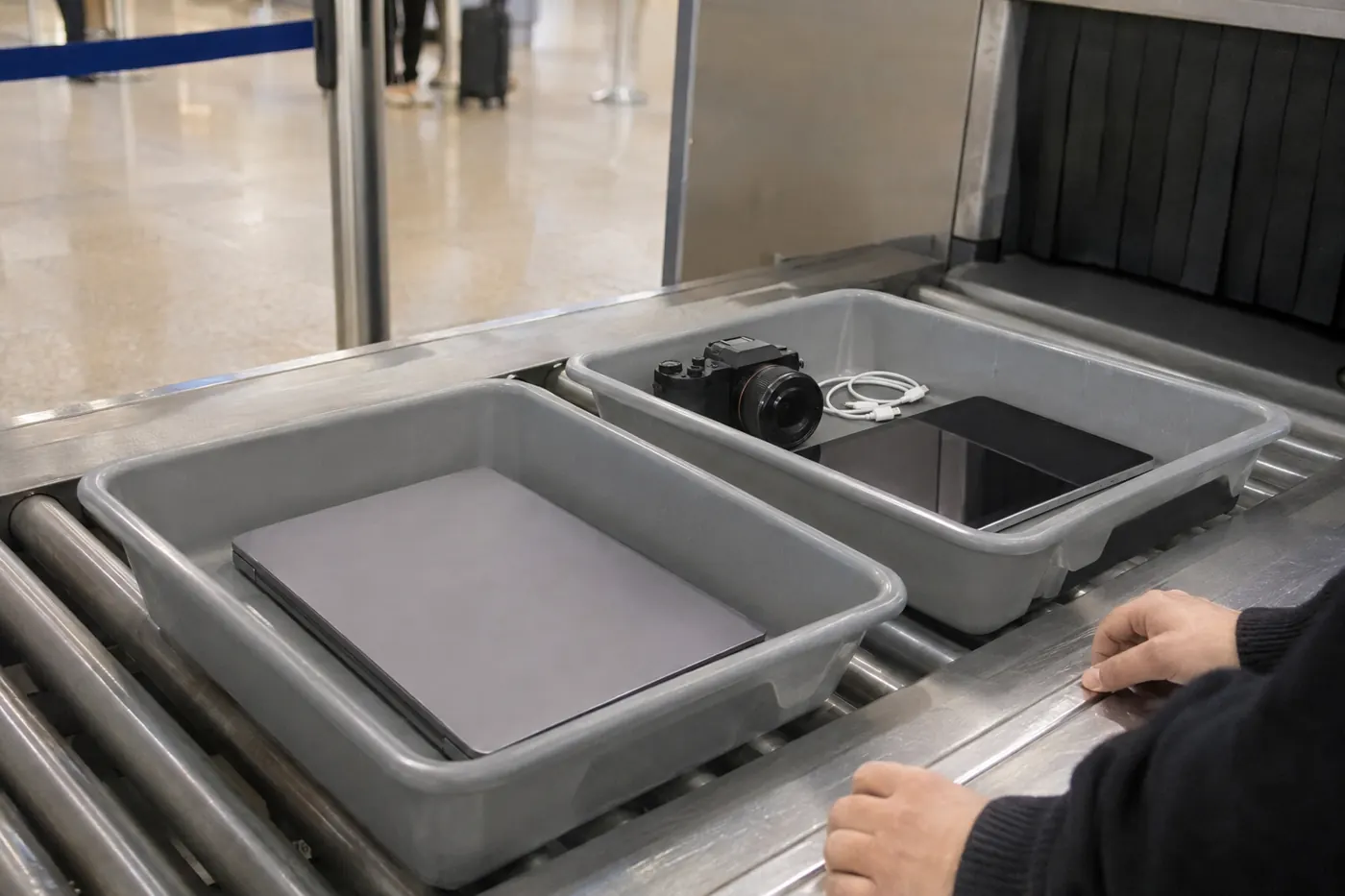
Standard US lanes (TSA): electronics larger than a cell phone come out of the bag and go into a bin by themselves. That means laptops, tablets, e-readers, game consoles like a Switch or Steam Deck, and larger cameras. Phones, earbuds and smartwatches can stay in.
TSA PreCheck: laptops and tablets stay in the bag.
Airports with CT scanners: the newer 3D scanners can see through a packed bag, so many lanes in the US, UK and Europe let you leave laptops (and often liquids) in. The catch is that it's lane by lane. Look at the signs and listen to the officer, and don't assume the rule at your home airport applies at the one you're flying back from.
A few things that make it easier:
- Don't stack devices in one bin. An r/tsa thread asked whether there was a "one large electronic per bin" limit after an officer said so. Experienced flyers and TSA staff in the comments explained that there's no limit on how many devices you bring, but items stacked on top of each other are hard to read on the X-ray. Two laptops? Two bins, or side by side.
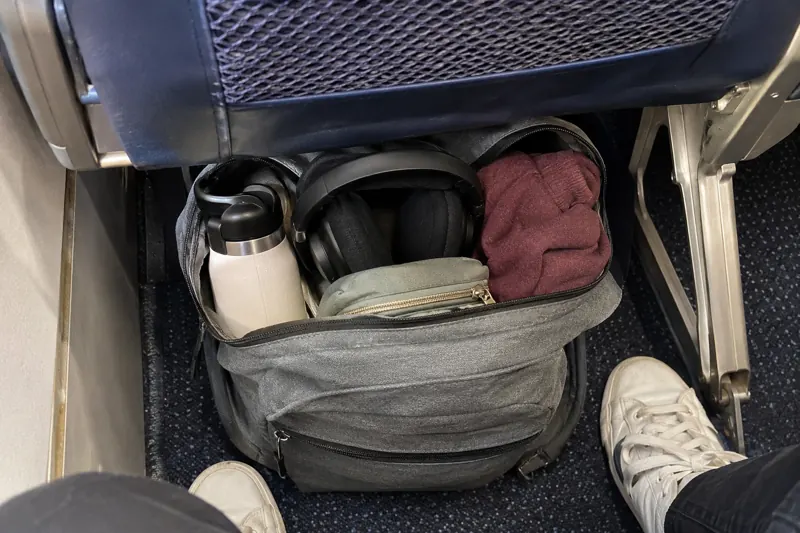
- Pack so the laptop slides out in one move. A back-panel laptop sleeve is the whole reason most travel backpacks have one.
- Keep everything charged. Officers can ask you to switch on a device, and TSA says a device that won't power on may not be allowed on board. It's checked more often on international flights to the US.
- If something gets damaged at the checkpoint, ask for a supervisor before you leave, and file a claim on TSA's claims page. That was the top advice in a thread from someone whose laptop was dropped by an officer. Ask them to note the time so the camera footage is kept.
Weird or homemade electronics (DIY keyboards, custom rigs, synth gear, test equipment) are fine in principle. Expect a bag check, though, because the officer can't tell what they're looking at. Pack the device on its own with nothing else in the case, take out the batteries, and give yourself extra time.
Laptops: will it get crushed?
A common worry in r/onebag: you're cramming a backpack full and the laptop is in there with everything else. Will the screen survive?
The consensus: millions of people do this every day and it's fine, if you do a couple of sensible things.
- Use the laptop compartment, ideally one with a false bottom so the laptop doesn't hit the floor when you put the bag down.
- Add a padded sleeve if the compartment is just a thin layer of fabric.
- Lid toward your back is a small trick one long-time traveler swears by. The screen side faces the padded back panel, not the pile of stuff.
- Don't put hard, pointy things against the screen side. A charger brick or a heavy water bottle pressed against the lid is what cracks screens, not soft clothes.
Aluminum unibody laptops cope well with a packed bag. Thin plastic laptops flex more, so give those a bit more padding.
Cameras: phone, small camera or the big kit?
The camera question gets a lot of comments. A popular r/onebag thread split roughly three ways:
- Just the phone. The most upvoted answer. A modern phone handles holiday photos, and there's nothing extra to carry or worry about.
- A small dedicated camera. Compact cameras, small mirrorless bodies with a pancake lens, and pocket gimbal cameras came up again and again. Small enough to carry all day, better than a phone in low light and at zoom.
- The full kit. Mostly from people who shoot seriously, and even some of them said they're trying to cut back. A photographer of 20 years who brought big bodies and long lenses on a 10-week trip said he's now trying to travel lighter.
The most practical advice in that thread: bring the camera you already have. Don't buy a new one just to save a few hundred grams.
Whatever you take:
- Camera and lenses in your carry-on, ideally in a padded insert.
- Spare camera batteries in the cabin too, terminals covered (a small pouch or the plastic caps they came with).
- Memory cards with you, not in the checked bag. Your photos are worth more than the camera.
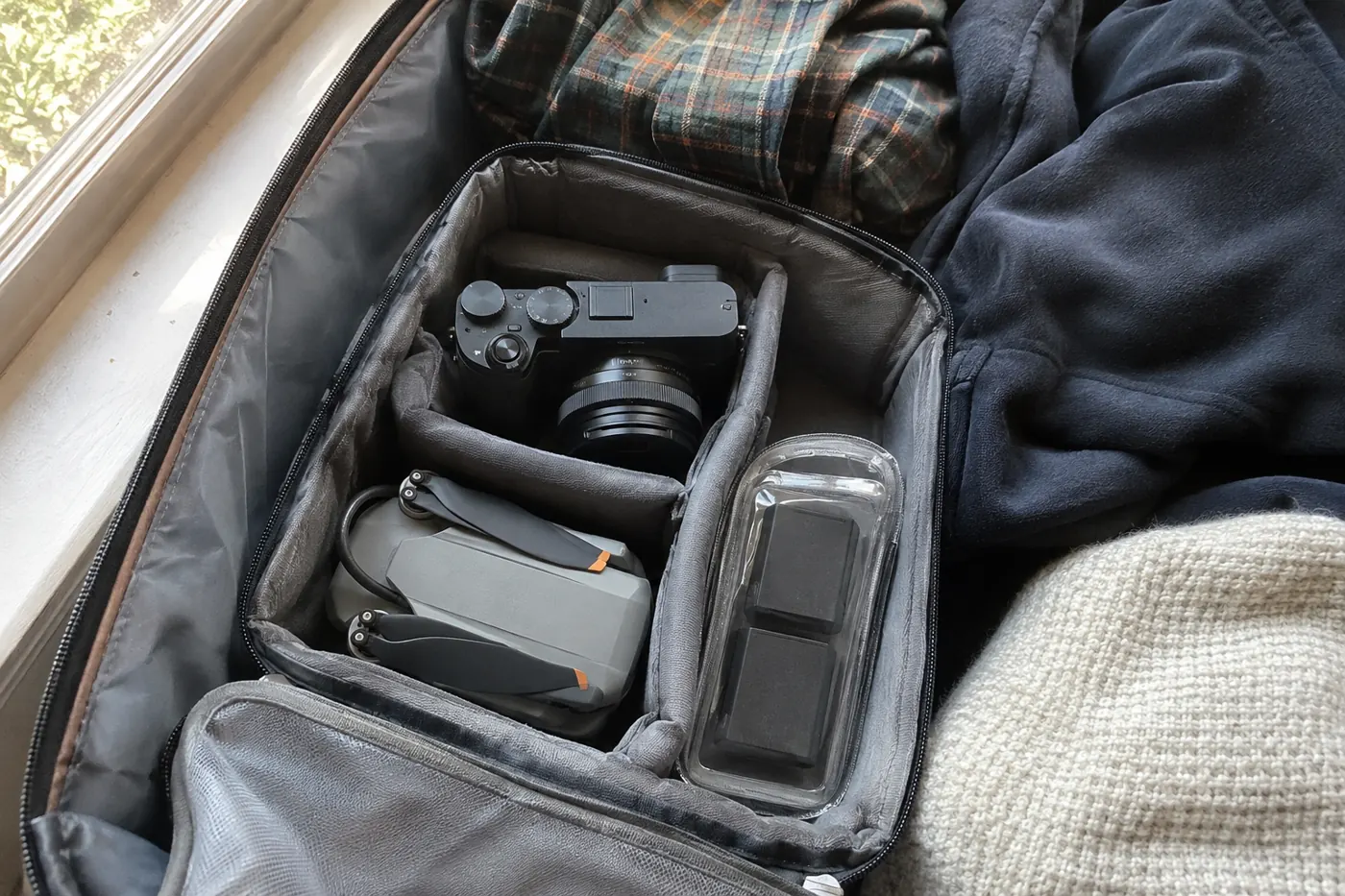
Drones
Drones can fly as carry-on or checked, but the batteries are the deciding factor:
- Spare drone batteries: carry-on only, like any spare lithium battery. Most consumer drone batteries are well under 100 Wh, so they're fine without airline approval. Check the label.
- The battery in the drone: many people take it out and carry it with the spares, which keeps things simple at security.
- The drone itself: best in the carry-on, folded in its case.
The harder part isn't the plane. It's the destination. Many countries require drone registration or ban drones near cities, airports and landmarks. Check before you fly, not when you land.
Chargers, cables and the "too many devices" problem
A great r/onebag thread asked how people manage a phone, laptop, tablet, watch, earbuds and e-reader on one trip. The answers:
- Carry fewer devices. The top advice. Plenty of people asked why anyone needs a laptop and a tablet on the same trip.
- One multi-port charger. A small USB-C charger with three or four ports charges everything from one outlet. Several people said it also makes you popular in hostels: offer to share the outlet with whoever's hogging it.
- Standardize on USB-C. Two USB-C cables cover most people's whole kit now.
- One small tech pouch. Charger, cables, earbuds case and power bank in one place, so nothing gets left in a hotel socket.
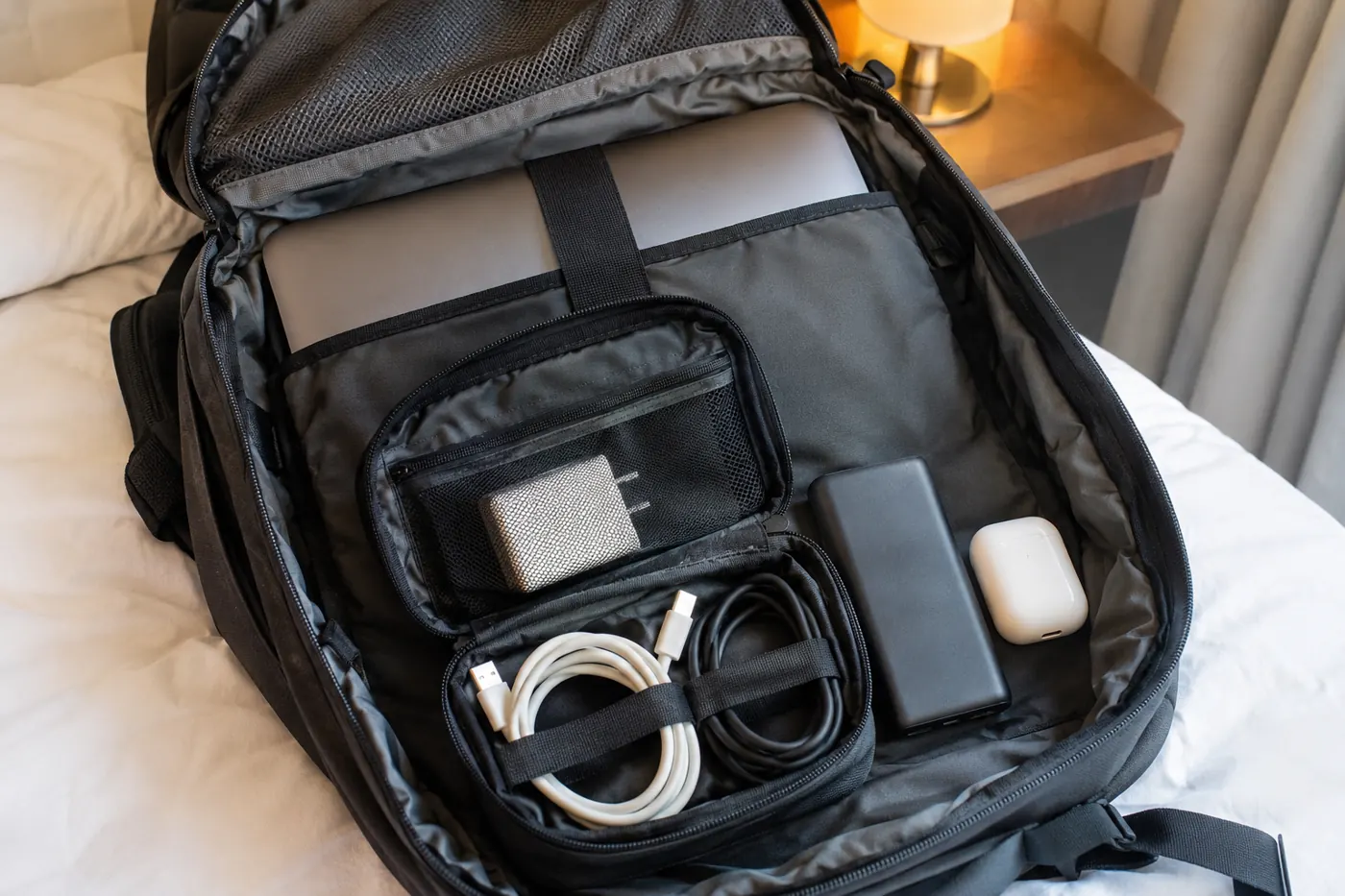
Bring a plug adapter if you're crossing regions. Most phone and laptop chargers handle 100–240 V, so you need an adapter for the plug shape, not a voltage converter. Hair dryers and straighteners are the exception, so check the label.
The gate-check trap
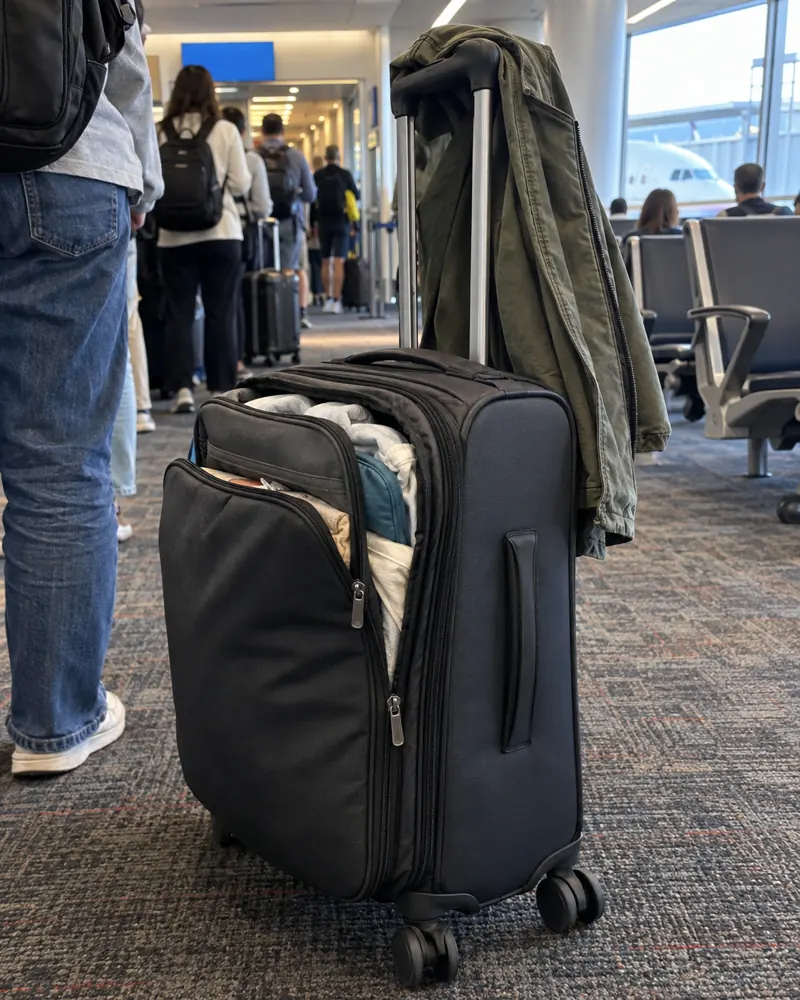
This is the one people forget. Your carry-on is fine at security, then at the gate the overhead bins are full and the agent tags your bag to go in the hold.
Before you hand it over:
- Take out power banks and spare batteries. They can't go in the hold, and gate agents do ask.
- Take out the laptop, tablet and camera. Your bag is now a checked bag, with all the handling that comes with it.
- Keep medication, keys and anything you need on landing.
A bigger personal item helps here: if it can swallow your laptop and tech pouch, a gate-check is a non-event. Our gate-check guide covers how to avoid it in the first place.
Smart luggage and trackers
Suitcases with built-in batteries (USB charging ports, motorized cases) are only allowed if the battery can be removed. If the bag is checked, the battery has to come out and travel with you in the cabin. If it can't be removed, most airlines won't take the bag.
AirTags and similar trackers are fine in checked bags. They use a small coin battery, which is allowed. Plenty of travelers now put one in every checked bag.
Which airlines have extra rules?
Almost all the variation is about power banks, not devices:
- Southwest and Emirates allow only one power bank per passenger.
- Most airlines now cap power banks at two and ban using them to charge devices in flight.
- Budget airlines (Ryanair, easyJet and friends) don't restrict electronics, but your laptop counts toward the size and weight of your bag. A laptop and charger can easily be 2 kg of a 7 kg allowance.
Check yours in the power bank checker. And if you're wondering about something specific, like a hair straightener, a tool kit or a lighter, try the Can I bring it? lookup.
Mistakes people make
- Packing a laptop or camera in the checked bag "because the carry-on was full".
- Leaving power banks or spare batteries in a bag that gets gate-checked.
- Stacking a laptop, tablet and Switch in one security bin.
- Arriving with a dead laptop on a flight where officers ask you to switch it on.
- Putting a heavy charger brick against the laptop lid.
- Bringing a laptop and a tablet and an e-reader when one or two would do.
- Buying a new camera for the trip instead of learning the one you have.
- Forgetting that the drone rules at the destination matter more than the airline's.
Frequently asked questions
Can I put my laptop in checked luggage?
You can, if it's fully switched off and protected, but the FAA and almost every experienced traveler recommend keeping it in your carry-on. Checked bags get dropped and stolen from, and many airlines limit what they'll pay for electronics in checked bags.
Do I have to take my laptop out at airport security?
In standard US lanes, yes: laptops and other electronics bigger than a phone go in a bin by themselves. With TSA PreCheck, or at airports with CT scanners, you can usually leave it in the bag. Follow the signs at each airport.
Is there a limit on how many electronics I can bring on a plane?
No. There's no general limit on devices like laptops, tablets and cameras. The limits are on spare batteries and power banks: usually two power banks at most, and only one on Southwest and Emirates. Don't stack devices on top of each other in the security bin.
Can I bring a drone on a plane?
Yes. Keep the drone in your carry-on if you can, and spare drone batteries must be in the cabin. Most consumer drone batteries are under 100 Wh. Check the drone laws of the country you're flying to before you go.
Can I bring camera batteries in checked luggage?
Not spares. Spare lithium camera batteries have to be in your carry-on, with the terminals protected. A battery inside a switched-off camera can technically go in a checked bag, but the camera is better off in the cabin too.
What happens if my carry-on with a laptop gets gate-checked?
Take the laptop, power banks, spare batteries and anything valuable out before you hand the bag over. Spare batteries aren't allowed in the hold, and your bag will be handled like any other checked bag.